
Top Security Mistakes in WordPress Websites
PublishedOctober 17, 2026
10 min read
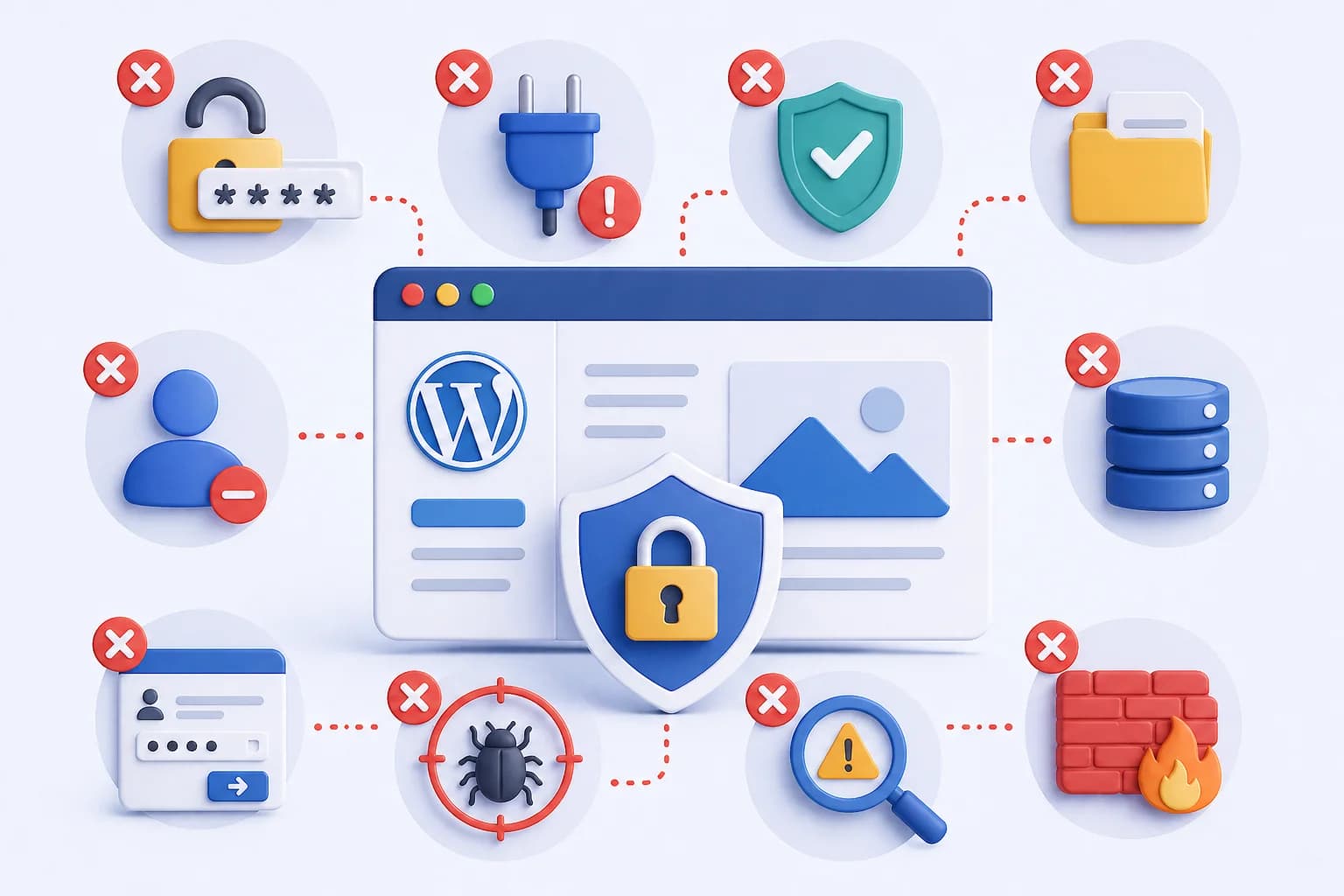
WordPress is the most widely used CMS, making it the primary target for script exploits, database injections, and malicious SEO redirect injections.
The Most Critical Wordpress Mistakes
- Outdated Plugins & Core Files: Keeping outdated themes or plugins opens known vulnerabilities to bot exploits.
- Weak Login Credentials: Default admin usernames and lack of brute-force protection lead to quick breaches.
- No CSP Headers: Failing to block unverified external scripts leads to dynamic malware loading on pages.
Remediation Action Plan
Implement plugin scanners, enforce secure passwords, use double-factor auth, and route DNS through edge proxies to filter malicious bots.
Frequently asked questions
What is the main takeaway from Top Security Mistakes in WordPress Websites?
It explains practical implementation steps so teams can improve technical SEO and site quality without relying on guesswork.
How can I apply this article quickly?
Start with the tool recommendations in this page, run a scan, and prioritize fixes by impact on crawlability and indexing.
Who should use this guidance?
SEO teams, developers, and site owners who want measurable improvements in visibility, crawl efficiency, and technical health.
Try Our Tools
Suggested tools for this topic
Use these WebKernelAI tools to apply the fixes and checks discussed in this article.
Recommended Guides & Resources
Dive deeper into optimization best practices.